What is OrBit?
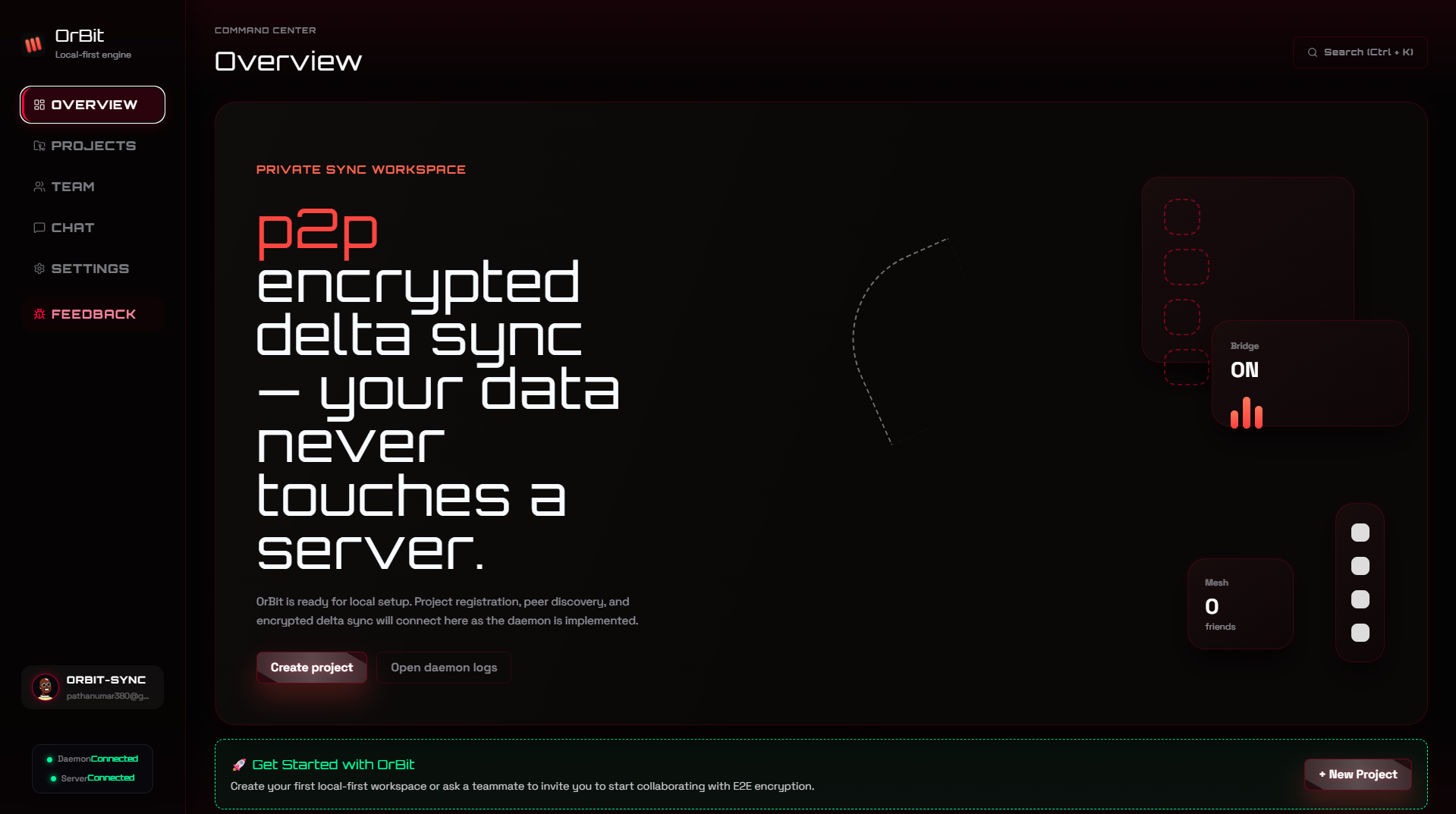
OrBit is a modern, decentralized desktop app that lets you seamlessly sync code across your computers and collaborate live with peers—with zero git pollution and zero cloud delays.
#The problems developers face today
If you work across multiple computers (like a laptop on the go and a powerful workstation at your desk), or if you frequently pair-program with colleagues, you know the frustration:
• Writing messy "wip", "temp fix", or "testing on laptop" git commits just to move uncommitted code to your other machine.
• Forgetting to push or stash before leaving the office, leaving you stranded without your latest code.
• Dealing with slow cloud drives like Google Drive or Dropbox that corrupt .git folders and choke on millions of files in node_modules or build directories.
• Waiting minutes in cloud CI/CD queues just to see if a simple unit test passed.
#How OrBit solves these problems
OrBit runs quietly in the background as a native desktop application. Here is what it delivers:
1. Instant Multi-Device Sync: Hit Save on your laptop, and the modified lines appear instantly on your desktop workstation.
2. Clean Git History: OrBit tracks live changes in an isolated local background plane (.orbit/shadow.git). Your official .git repository remains 100% clean—no temporary WIP commits needed.
3. Live Peer Collaboration: Pair with teammates in real time. See what files they are editing with live cursor presence inside VS Code.
4. 100% Private & P2P: Code moves directly between your machines over encrypted local Wi-Fi or peer-to-peer tunnels. Your proprietary code never lives on third-party cloud servers.
5. Built-in OrBit GO CI/CD: Run unit tests and linters locally the moment you save, getting instant verification in sub-seconds with zero cloud bills.